 LINKINFO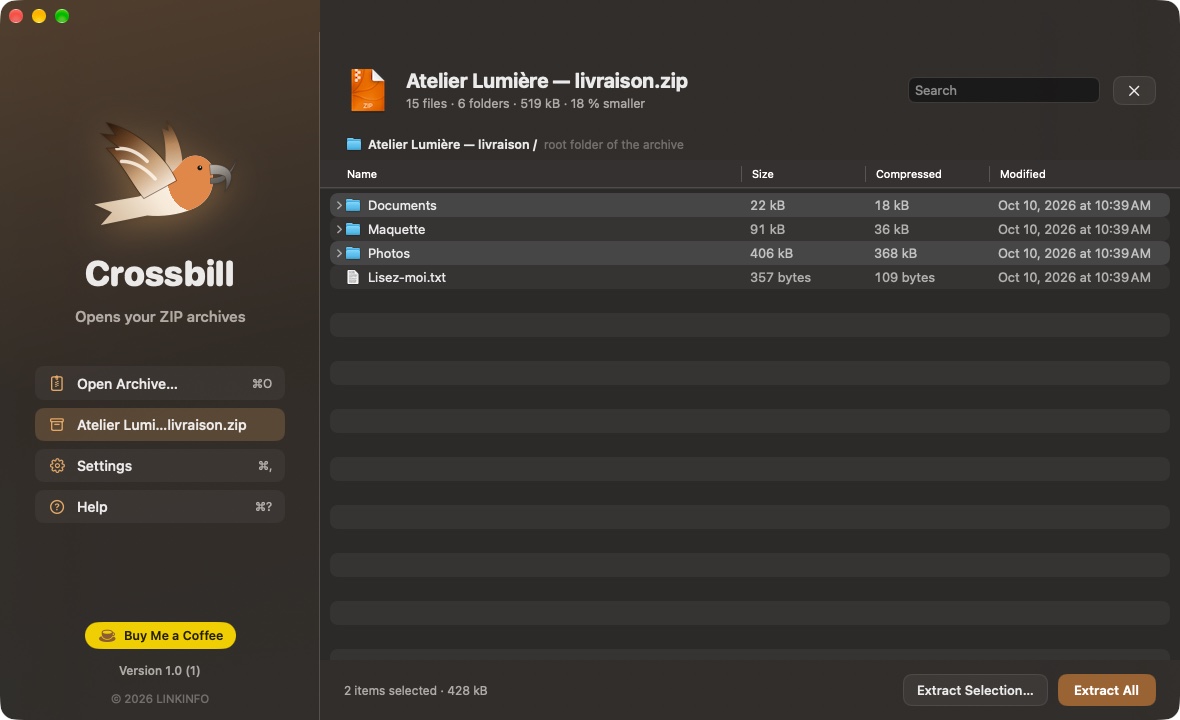
Crossbill shows the contents of a ZIP archive instantly and extracts it next to it, or just the files you choose. It was written from scratch, down to the decompression algorithm, with one principle: an archive doesn't decide what it writes on your Mac. Booby-trapped paths, ZIP bombs and dubious symbolic links are stopped, and every file is verified. Crossbill is free, with no ads and no account to create.
What Crossbill does
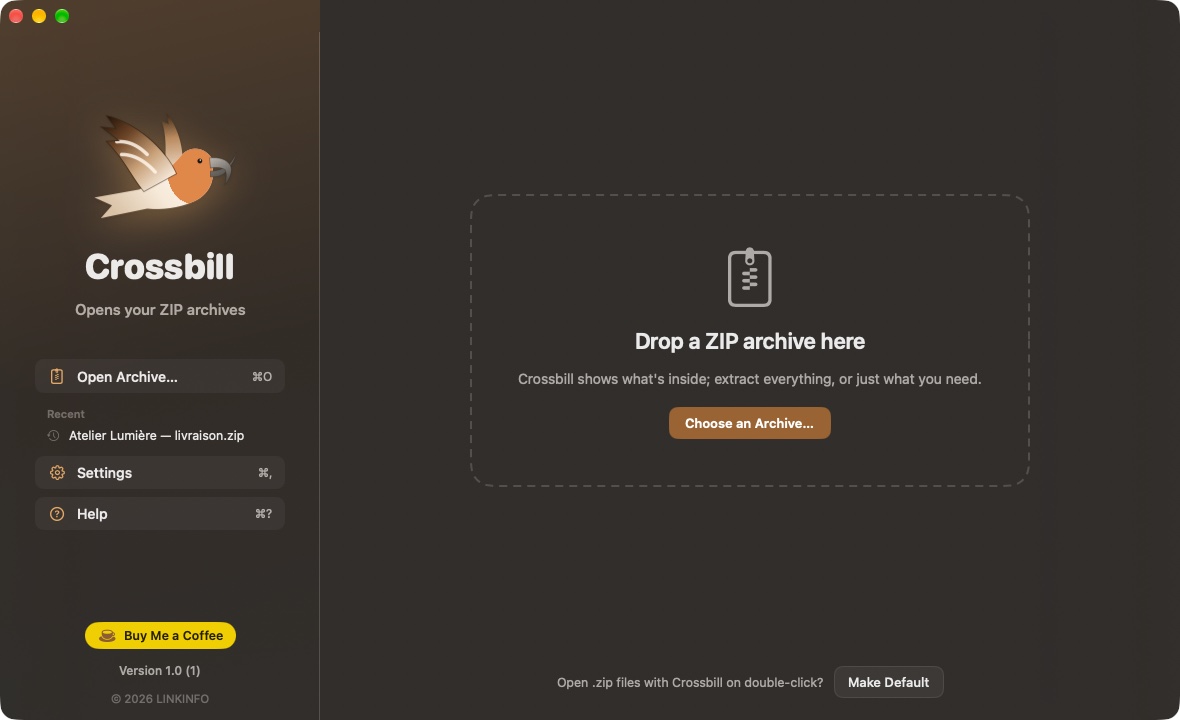
See before you extract
The archive's contents appear instantly, without decompressing anything.
- Full tree with the size, compressed size and date of every file and folder.
- Search names, even deep inside subfolders.
- Double-click a file to open it in its app, without extracting everything else.
- Archive with a single root folder (the most common case): its contents are shown directly.
Extract
Everything, or just what you need.
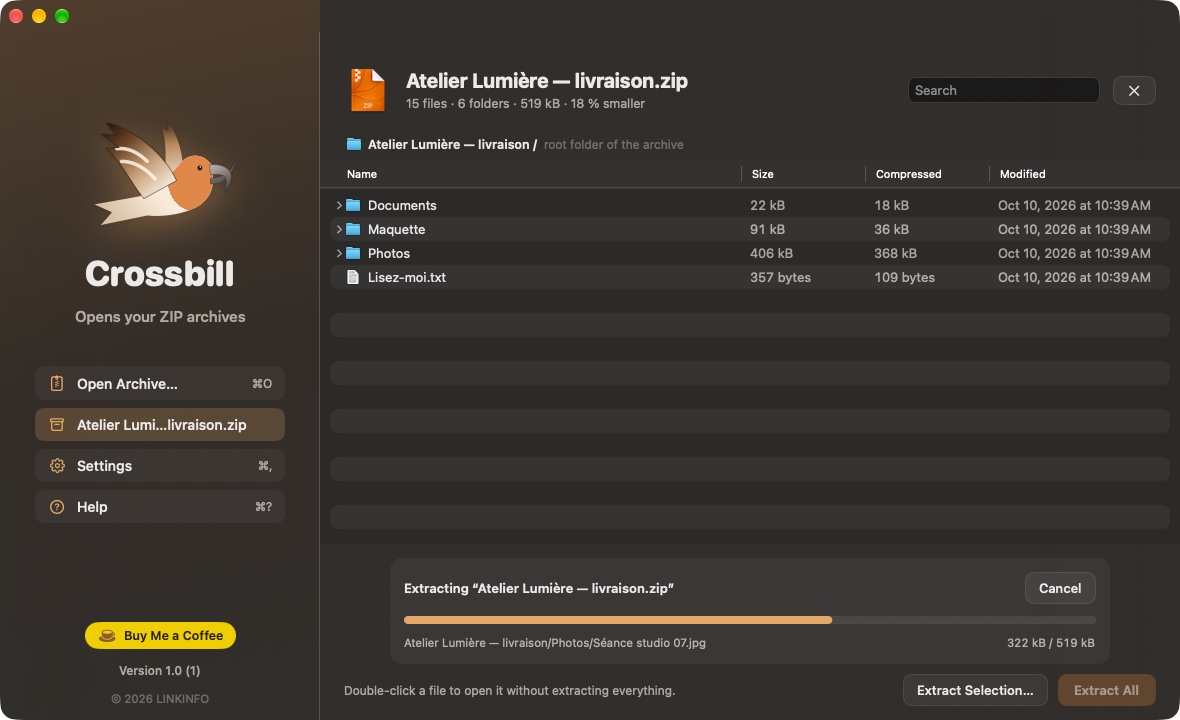
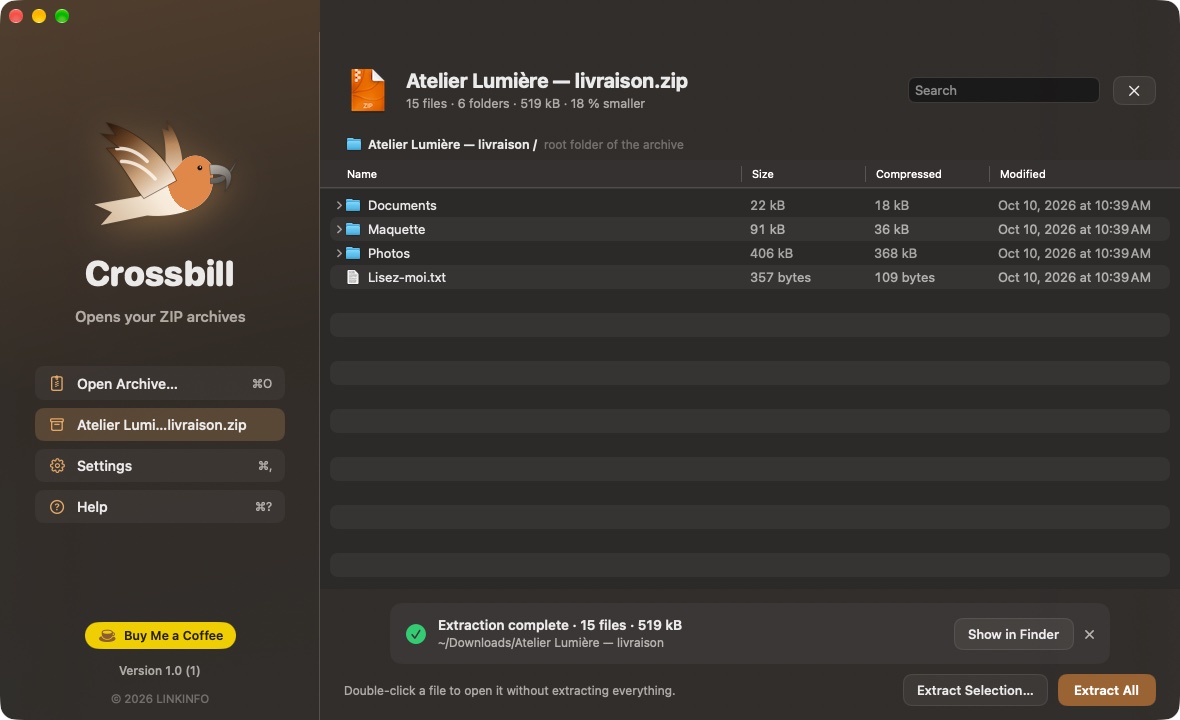
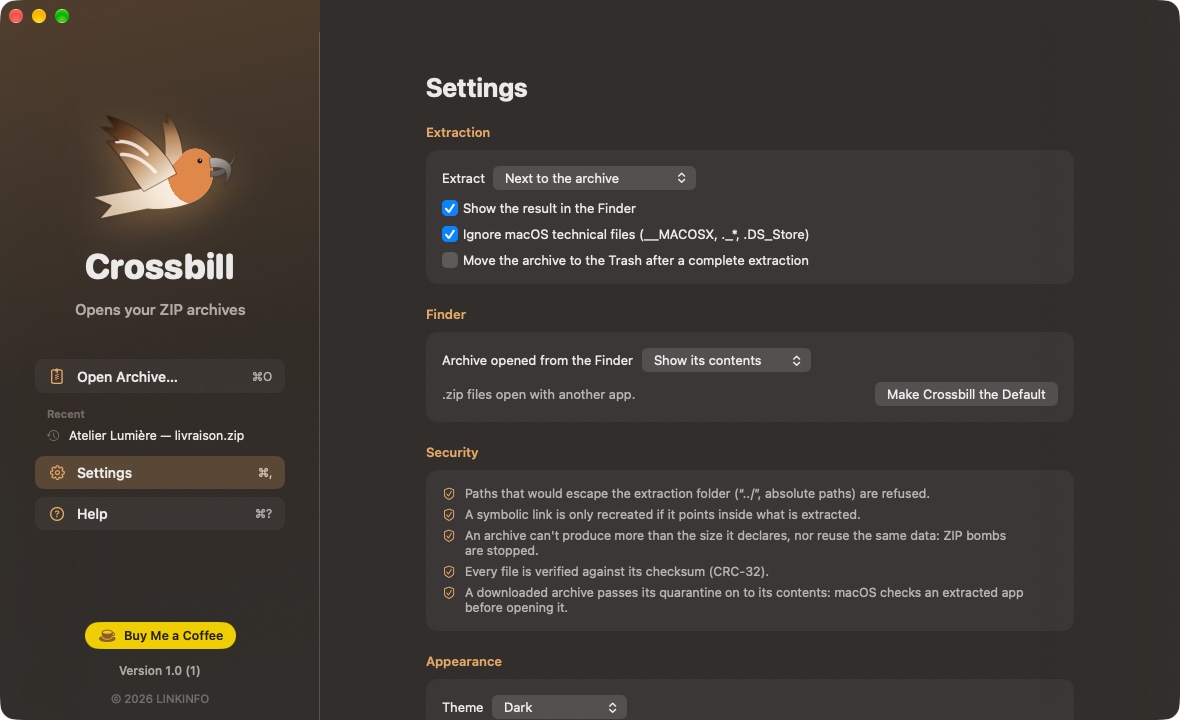
- Extract All (⌘E) next to the archive, in a folder chosen each time, or always the same one.
- Extract Selection: a few files or folders, wherever you want.
- Like Archive Utility: a single item comes out as is, several go into a folder named after the archive; nothing is ever overwritten.
- Drop several archives on the window: they are extracted one after another.
- Opening from the Finder: show the contents, or extract right away.
Safe by design
An archive doesn't decide what it writes on your Mac.
- Zip Slip: a path that would escape the extraction folder (“../”, absolute path) is refused and reported.
- ZIP bombs: an archive can't produce more than it declares, nor reuse the same data; disk space is checked before starting.
- Symbolic links are only recreated if they point inside what is extracted.
- Every file is verified against its CRC-32 checksum.
- A downloaded archive passes its quarantine on to its contents: macOS checks an extracted app before its first launch.
- Everything is written to a temporary folder, then moved into place at once: cancelling leaves nothing half-written.
Every ZIP archive
From Mac, Windows, Linux and older tools.
- ZIP64 archives (over 4 GB or 65,535 files), self-extracting archives.
- Accented file names read correctly, including those from old Windows tools (DOS code page CP437).
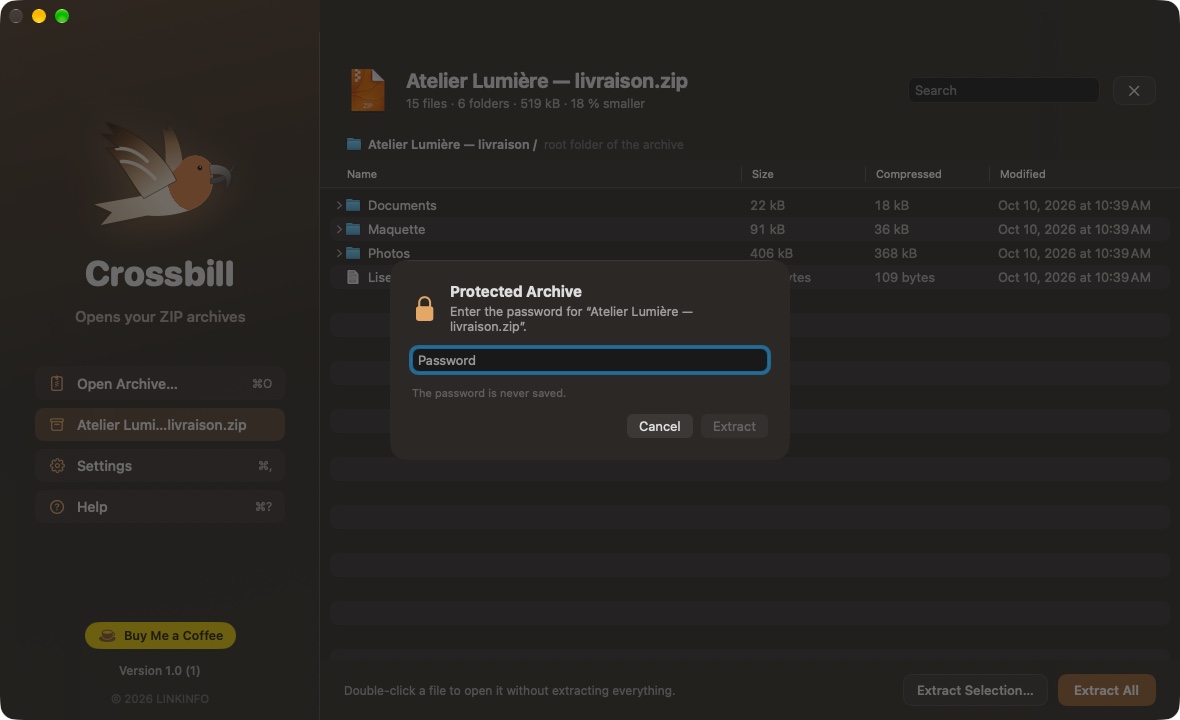
- Password-protected archives (ZipCrypto encryption); the password is never saved.
- Dates, Unix permissions and executable files preserved.
- Technical files added by macOS (__MACOSX, ._*, .DS_Store) are hidden and skipped, if you wish.
Handmade
No zlib, no archive library: everything is written for Crossbill.
- ZIP format reading, DEFLATE decompression and CRC-32 checking written from scratch, in Swift.
- Tested on hundreds of real archives: the result is identical, byte for byte, to macOS's own extraction tool.
- Hundreds of MB per second, without loading the archive into memory.
And also
The details that matter.
- Crossbill can become the app that opens .zip files on double-click.
- Recent archives in the sidebar.
- Dark (default) or light appearance, in English, French and Spanish.
In pictures
A coffee for what's next
Crossbill is free, ad-free, and will stay that way. I develop it in my spare time: every coffee helps fund the next versions, fixes and new features, and tells me the app is useful to you.
Installation
- Download the .zip fileIt unzips on its own in the Downloads folder.
- Drag Crossbill to ApplicationsIn the Finder, into your Mac's Applications folder.
- Open CrossbillThe app is signed and notarized by Apple: it opens without a warning.
Requirements
- Free, with no ads and no account to create.
- Available in English, French and Spanish: the app follows your Mac's language, or the one chosen in its settings.
- macOS 14 Sonoma or later, on a Mac with Apple silicon or an Intel processor.
- ZIP archives (stored and deflate methods, ZIP64, ZipCrypto). No AES encryption, 7z or RAR yet.


